
Club administrators can complete the club's annual Handicap Assessment by logging in to the USGA Admin Portal at usga.org.
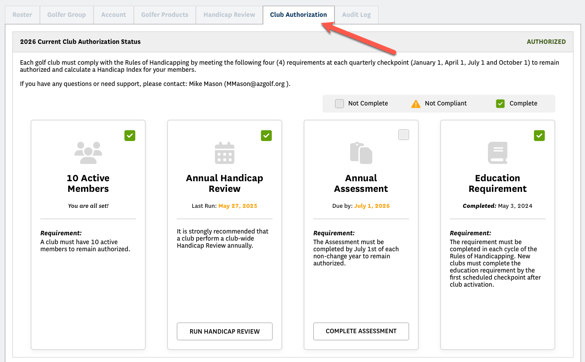
1. Click the Club Authorization tab.
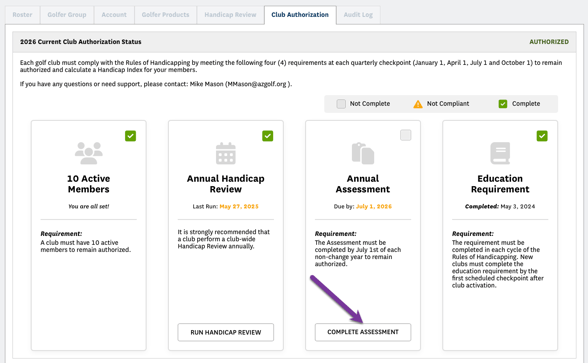
2. Click the Complete Assessment button in the Annual Assessment column.
3. Complete or update the required contact information, confirm that your club complies with the Rules of Handicapping, and then click Submit. The Annual Assessment will then show as complete with a green checkmark in the upper right corner.
